
Slide 1 of 2.
Surface Pro for Business, a Copilot+ PC
Skip featured products and announcements slideshow: navigate using the previous and next: navigate using the slide tabs
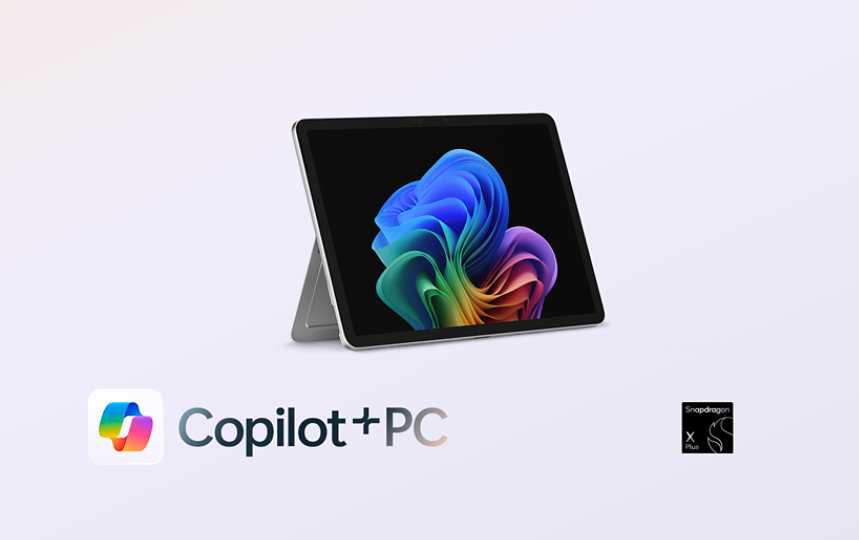
New
Surface Pro for Business, a Copilot+ PC
This 12-inch powerhouse with Snapdragon® processors delivers chip-to-cloud security and easily adapts to your needs—whether work calls for a tablet or full PC.
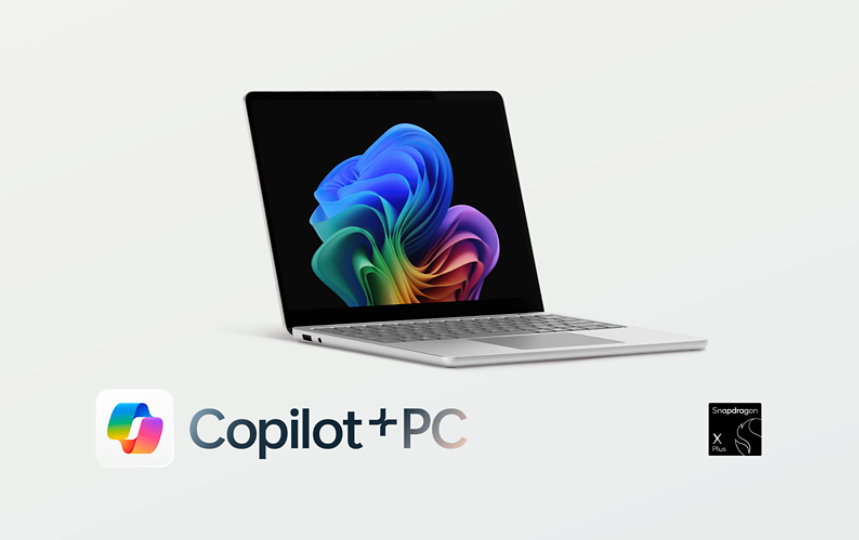

Save up to
$500.00
off select Surface Pro, Copilot+ PC
Hit the books with a fast, flexible 2-in-1 built for advanced AI possibilities.

Achieve the extraordinary
Microsoft 365 delivers cloud storage, security, and Microsoft Copilot in your favorite apps—all in one plan.
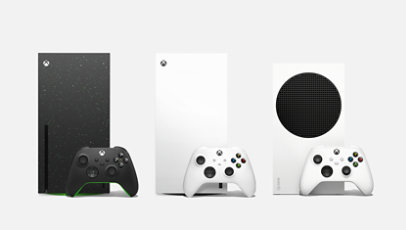
Trade in and get up to $180 for your used console
Buy a new Xbox Series X or S and get cash back on an eligible trade-in. Limited-time offer.

Copilot is your AI companion
Always by your side, ready to support you whenever and wherever you need it.
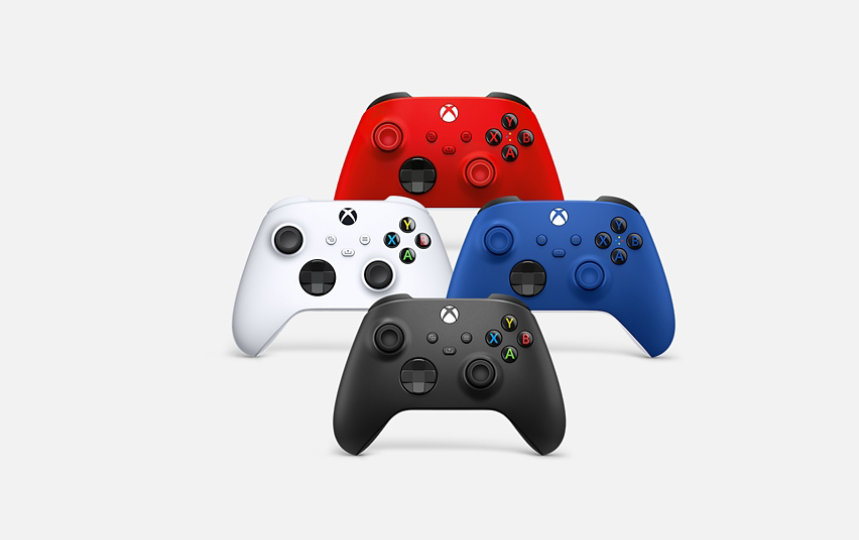
Xbox controllers
Elite, wireless, adaptive—find the controller that fits your style of play
For business

New
Surface Laptop for Business, Copilot+ PC | Intel
Uncompromising power, all-day battery life,* and unique AI experiences—featuring Intel® Core™ Ultra processors (Series 2).
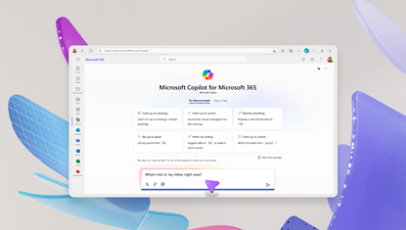
Microsoft 365 Copilot
Save time and focus on the things that matter most with AI in Microsoft 365 for business.

Visual Studio 2022
Get the most comprehensive IDE for .NET and C++ developers on Windows for building web, cloud, desktop, mobile apps, services, and games.

Windows 11 for business
Designed for hybrid work. Powerful for employees. Consistent for IT. Secure for all.
Explore more about AI and Copilot

Five ways AI is changing healthcare
From accelerating diagnoses to personalizing treatment plans, discover how AI is helping enhance patient care.

Taking a stand for digital safety
Microsoft is dismantling a global network of AI hackers with its first legal case to prevent the creation of harmful AI images.

15 Microsoft milestones that shaped AI
From the launch of Bing to the development of Copilot, explore key innovations that shaped Microsoft’s vision for AI.
Slide 1 of 2.
Our 2025 Environmental Sustainability Report
Skip human-interest articles and stories slideshow: navigate using the slide tabs

Our 2025 Environmental Sustainability Report
As the effects of climate change increase and the challenges we face evolve, we remain steadfast in our dedication to our 2030 commitments.
Follow Microsoft