
Slide 1 of 2.
Uplifting Asian and Pacific Islander voices
Skip featured products and announcements slideshow: navigate using the previous and next: navigate using the slide tabs

Uplifting Asian and Pacific Islander voices
This AAPI Heritage Month, discover stories of innovation and inspiration from Microsoft employees.
New
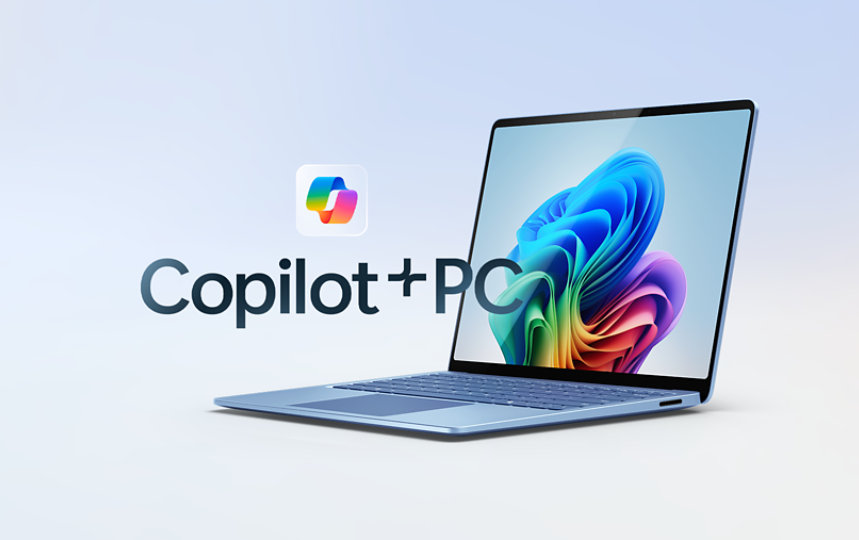
Surface Pro for Business, Copilot+ PC | Intel
Ultra-versatile and built with Intel® Core™ Ultra processors (Series 2) that power AI experiences to amplify your team’s productivity.

Xbox controllers
Elite, wireless, adaptive—find the controller that fits your style of play.

Copilot is your AI companion
Always by your side, ready to support you whenever and wherever you need it.

Register now for Microsoft Build
Join us May 19-22 in Seattle or online to discover the latest tech, connect with world-class experts, and immerse yourself in code.
Achieve the extraordinary
Microsoft 365 delivers cloud storage, security, and Microsoft Copilot in your favorite apps—all in one plan.
For business

New
Surface Laptop for Business, Copilot+ PC | Intel
Uncompromising power, all-day battery life,* and unique AI experiences—featuring Intel® Core™ Ultra processors (Series 2).
Microsoft 365 Copilot
Save time and focus on the things that matter most with AI in Microsoft 365 for business.

Get Microsoft Teams for your business
Online meetings, chat, real-time collaboration, and shared cloud storage—all in one place.

Join the era of AI
Create, communicate, and code with the latest Microsoft AI solutions.
Explore more about AI and Copilot

How AI makes hard work easier
Dive into the surprising ways that Copilot reduces the mental effort of complex tasks and enhances quality of work.

How AI agents are transforming work
On the WorkLab podcast, Azeem Azhar—a global thought leader—shares insights on the power of deep research AI and building a "brain trust" of agents.

When art meets AI
Yaeji, Cuco, and Bladee explore art’s next frontier in Artifacts—bringing their visionary works to life with Microsoft AI.
Slide 1 of 2.
AI is setting a new blueprint for business
Skip human-interest articles and stories slideshow: navigate using the slide tabs

AI is setting a new blueprint for business
Meet the organization of the future—the Frontier Firm—powered by on-demand intelligence, hybrid human-agent teams, and a new role for everyone: agent boss.

Follow Microsoft