
Slide 1 of 2.
DOOM: The Dark Ages Xbox accessories
Skip featured products and announcements slideshow: navigate using the previous and next: navigate using the slide tabs

New
DOOM: The Dark Ages Xbox accessories
Complete your collection with a DOOM: The Dark Ages-themed Xbox Wireless Controller, Xbox Elite Wireless Controller Series 2, and Xbox Series X Wrap.
New
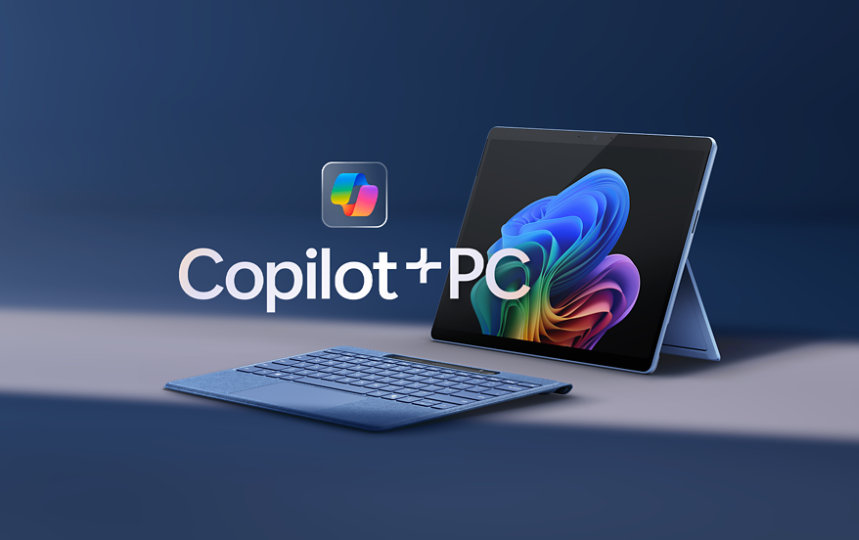
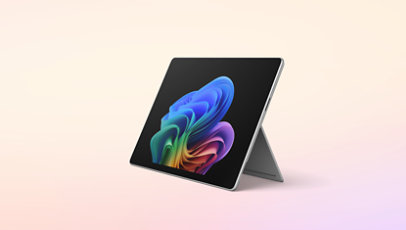
Surface Pro for Business, Copilot+ PC | Intel
Ultra-versatile and built with Intel® Core™ Ultra processors (Series 2) that power AI experiences to amplify your team’s productivity.

Achieve the extraordinary
Microsoft 365 delivers cloud storage, security, and Microsoft Copilot in your favorite apps—all in one plan.

Xbox Series S
Next-gen performance in the smallest Xbox ever.

Up to 70% off games
Score spring savings on select Xbox and PC games. Sale ends April 30.
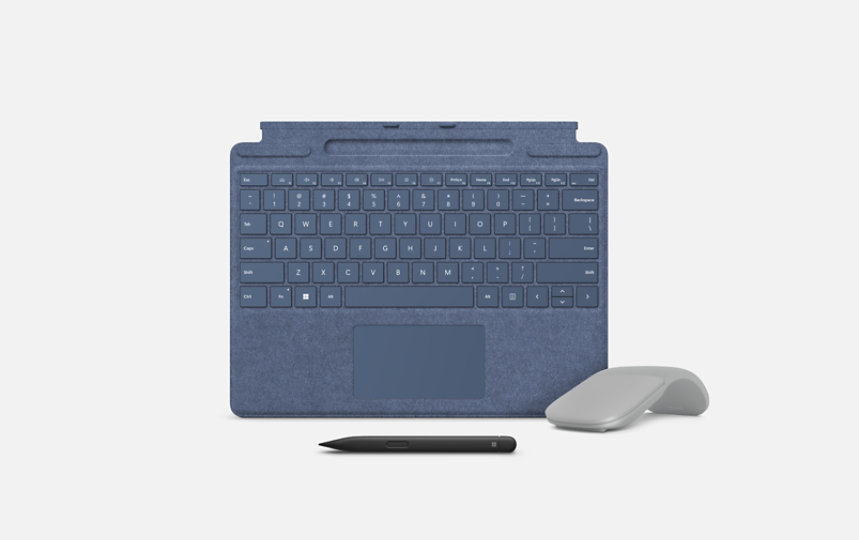
Made for Surface
Find keyboards, pens, and other essentials designed to work seamlessly with your Surface device.
For business

New
Surface Laptop for Business, Copilot+ PC | Intel
Uncompromising power, all-day battery life,* and unique AI experiences—featuring Intel® Core™ Ultra processors (Series 2).
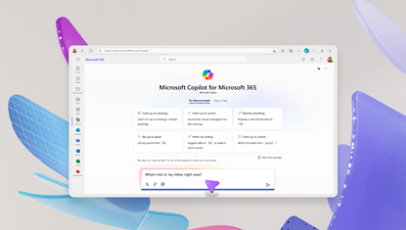
Microsoft 365 Copilot
Save time and focus on the things that matter most with AI in Microsoft 365 for business.

Visual Studio 2022
Get the most comprehensive IDE for .NET and C++ developers on Windows for building web, cloud, desktop, mobile apps, services, and games.

Register now for Microsoft Build
Join us May 19-22 in Seattle or online to discover the latest tech, connect with world-class experts, and immerse yourself in code.
Explore more about AI and Copilot

15 Microsoft milestones that shaped AI
From the launch of Bing to the development of Copilot, explore key innovations that shaped Microsoft’s vision for AI.

Tapping students to fight cybercrime
Learn how universities are training students on Microsoft security tools and AI to protect against cyberthreats.
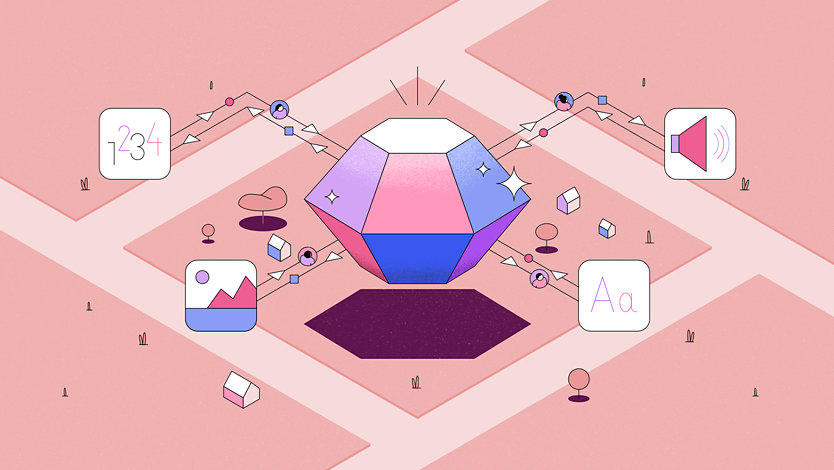
Why multimodal AI matters
AI models are using images, audio, and video to solve real-world challenges—like helping doctors diagnose patients or meteorologists predict storms.
Slide 1 of 2.
Building literacy with AI
Skip human-interest articles and stories slideshow: navigate using the slide tabs
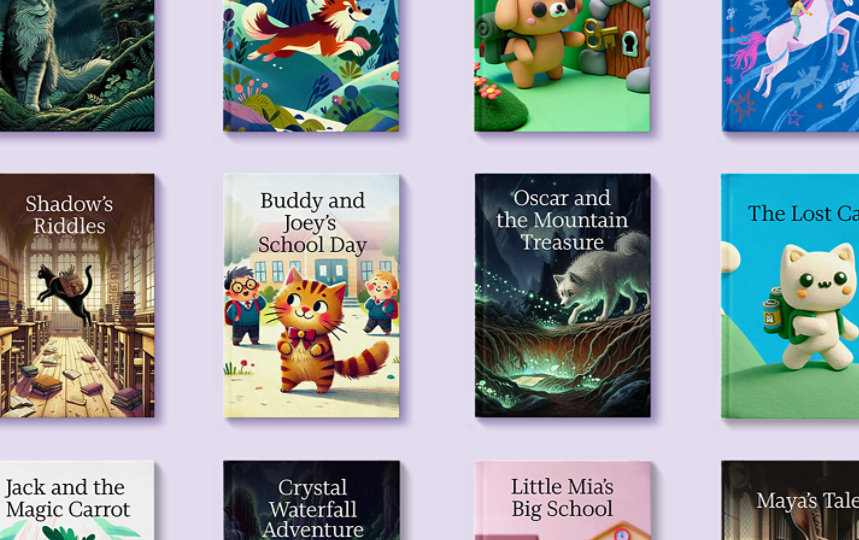
Building literacy with AI
Discover how classrooms around the world are using Microsoft Reading Coach—an AI tool—to build confidence and reading skills in students.

Follow Microsoft