
Slide 2 of 2.
Up to $500 off select Surface Pro, Copilot+ PC, 13-inch
Skip featured products and announcements slideshow: navigate using the previous and next: navigate using the slide tabs
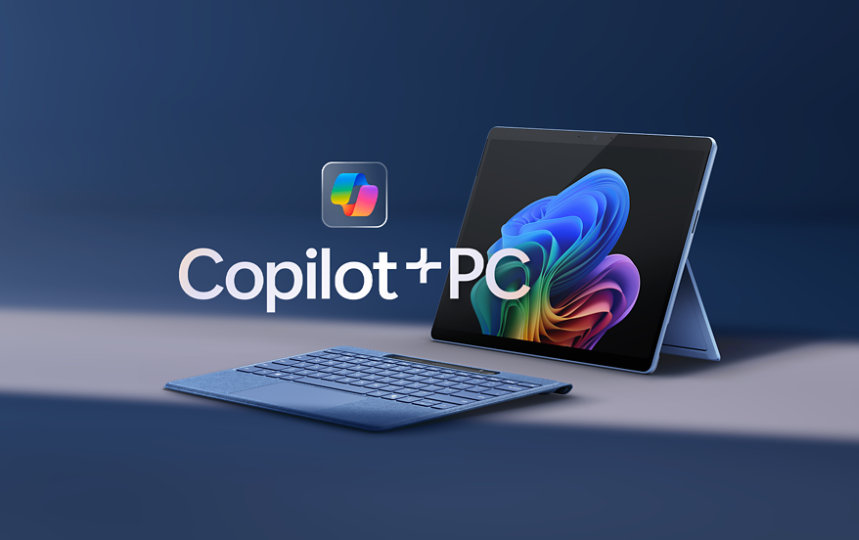

Up to $500 off select Surface Pro, Copilot+ PC, 13-inch
Hit the books with a fast, flexible 2-in-1 built for advanced AI possibilities.

Trade in and get up to $500 cash back
Get extra cash back, plus a 3-month trial of Microsoft 365 when you purchase a select new Surface Laptop, Copilot+ PC and trade in an eligible device. Offer ends 9/30.

Copilot is your AI companion
Always by your side, ready to support you whenever and wherever you need it.

Save $10 on select Xbox controllers
Gear up for epic study breaks with controllers made for unparalleled comfort and control.

Save the date for gamescom 2025
Join us onsite and broadcasting live August 20-24 from Cologne, Germany as we explore games coming to Xbox, PC, and Game Pass.
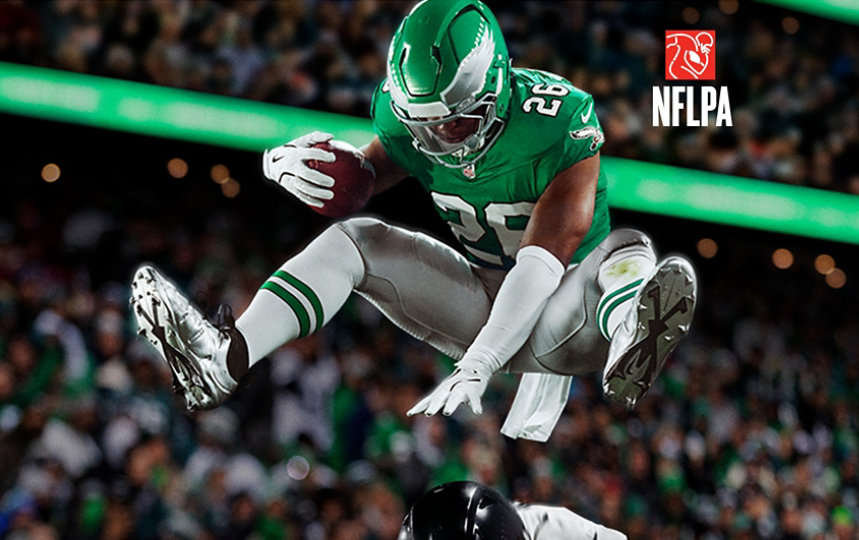
EA SPORTS™ Madden NFL 26
Next-level coaching, QB authenticity, and explosive, AI-powered gameplay. It’s the realest Madden yet.
For business

Now available with 5G
Surface Laptop for Business, Copilot+ PC, 13.8 and 15-inch | Intel
Uncompromising power, all-day battery life,* unique AI experiences —featuring Intel® Core™ Ultra processors (Series 2). Now available with optional 5G connectivity.**

Microsoft 365 Copilot
Save time and focus on the things that matter most with AI in Microsoft 365 for business.

Visual Studio 2022
Get the most comprehensive IDE for .NET and C++ developers on Windows for building web, cloud, desktop, mobile apps, services, and games.

Windows 11 for business
Designed for hybrid work. Powerful for employees. Consistent for IT. Secure for all.
Explore more about AI and Copilot

5 ways AI is revolutionizing science
From healthcare to quantum computing, Microsoft is helping the scientific community move faster and turn complex research into real-world solutions.

Tapping students to fight cybercrime
Learn how universities are training students on Microsoft security tools and AI to protect against cyberthreats.

How AI makes hard work easier
Dive into the surprising ways that Copilot reduces the mental effort of complex tasks and enhances quality of work.
Slide 2 of 2.
A game-changing partnership
Skip human-interest articles and stories slideshow: navigate using the slide tabs
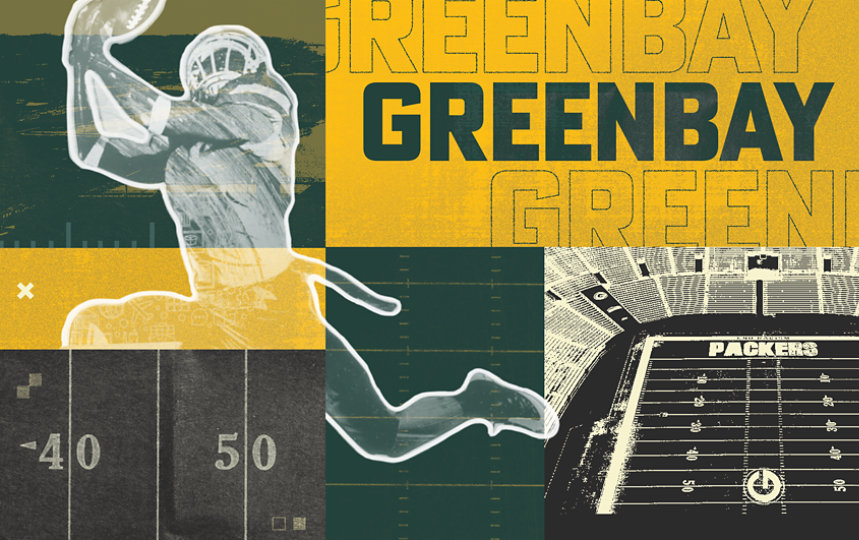

A game-changing partnership
This year, Green Bay, WI hosted both the NFL and Titletown Tech Startup drafts, proving that when communities join forces, dreams can become reality.
Follow Microsoft